

Back to Showcase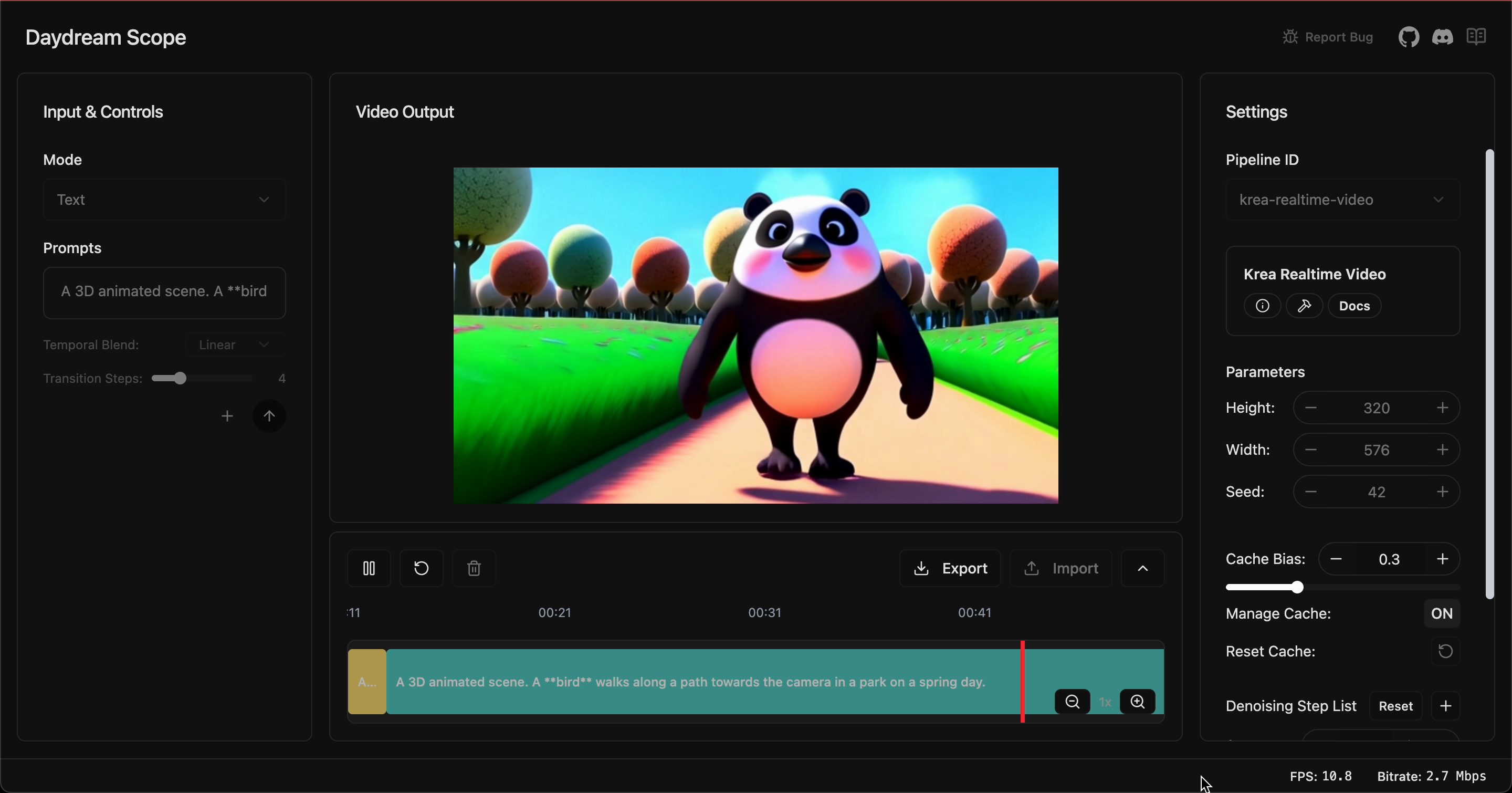
Panda test
Panda test
Daydream ScopeDownload Now
Explore new worlds with Daydream Scope
Check out the latest model drops and powerful integrations.
A quick and easy way to get started with Daydream's StreamDiffusionTD! This customized UI allows new users to use all exposed parameters for StreamDiffusion's SDXL Model, right out of the box!
First time Daydream Users:
- Drag StreamDiffusion0.3.0 INTO THE PROJECT FILE
- Goto 'Install' Tab
- Change Backend to 'Daydream'
- Replace existing text by pasting API Key into white textbox
- Press Start on the UI on the RIGHT
- If you would like to prompt with Images, please goto the RED BOX with the node called 'folder1' , or on the bottom of the UI
Drag StreamDiffusion0.3.0 INTO THE PROJECT FILE
Goto 'Install' Tab
Change Backend to 'Daydream'
Replace existing text by pasting API Key into white textbox
Press Start on the UI on the RIGHT
If you would like to prompt with Images, please goto the RED BOX with the node called 'folder1' , or on the bottom of the UI
Stars0
Created on11.13.25
Updated on11.13.25


